Never above 100%
Every save checks the person’s whole month. Two managers saving at the same moment can never push someone over.
Resource allocation for teams that work across projects
FlockWise replaces the monthly allocation spreadsheet. Line managers and project managers plan everyone’s time together, nobody goes above 100%, and every month is approved and reported, in Arabic and English.
Free for up to 5 users · No credit card · Sample data in the demo
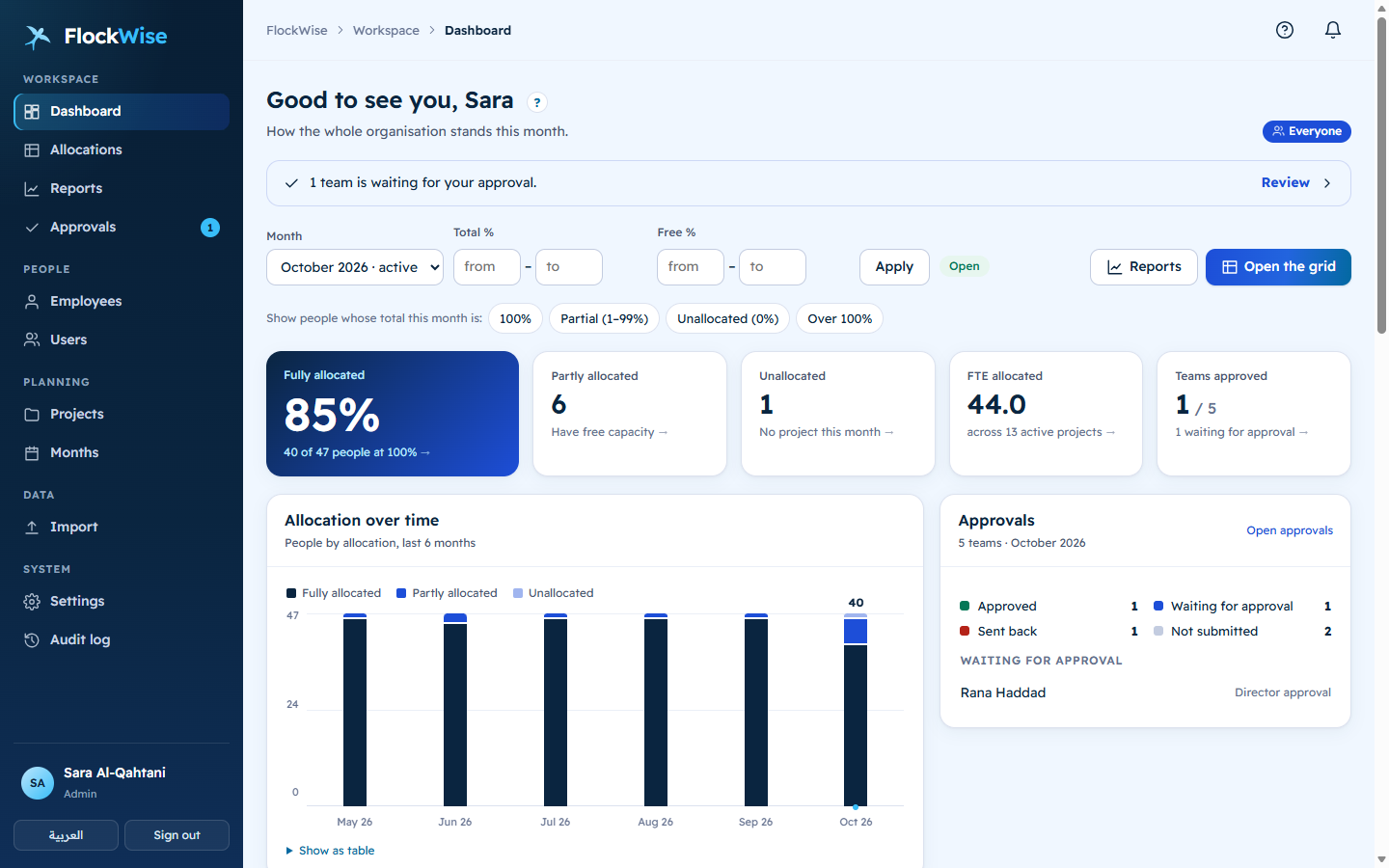
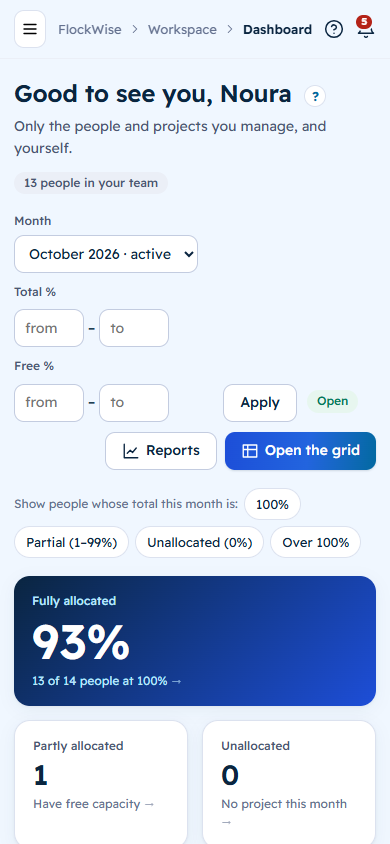
One shared sheet, many managers, and nobody sure who changed what. People end up booked at 120%, others sit on the bench unnoticed, and month-end turns into a chase for approvals.
From the first allocation to the approved, reported month, in one place.
Every save checks the person’s whole month. Two managers saving at the same moment can never push someone over.
Line managers see all of their team’s time. Project managers allocate their own project and see the rest only as “Other”.
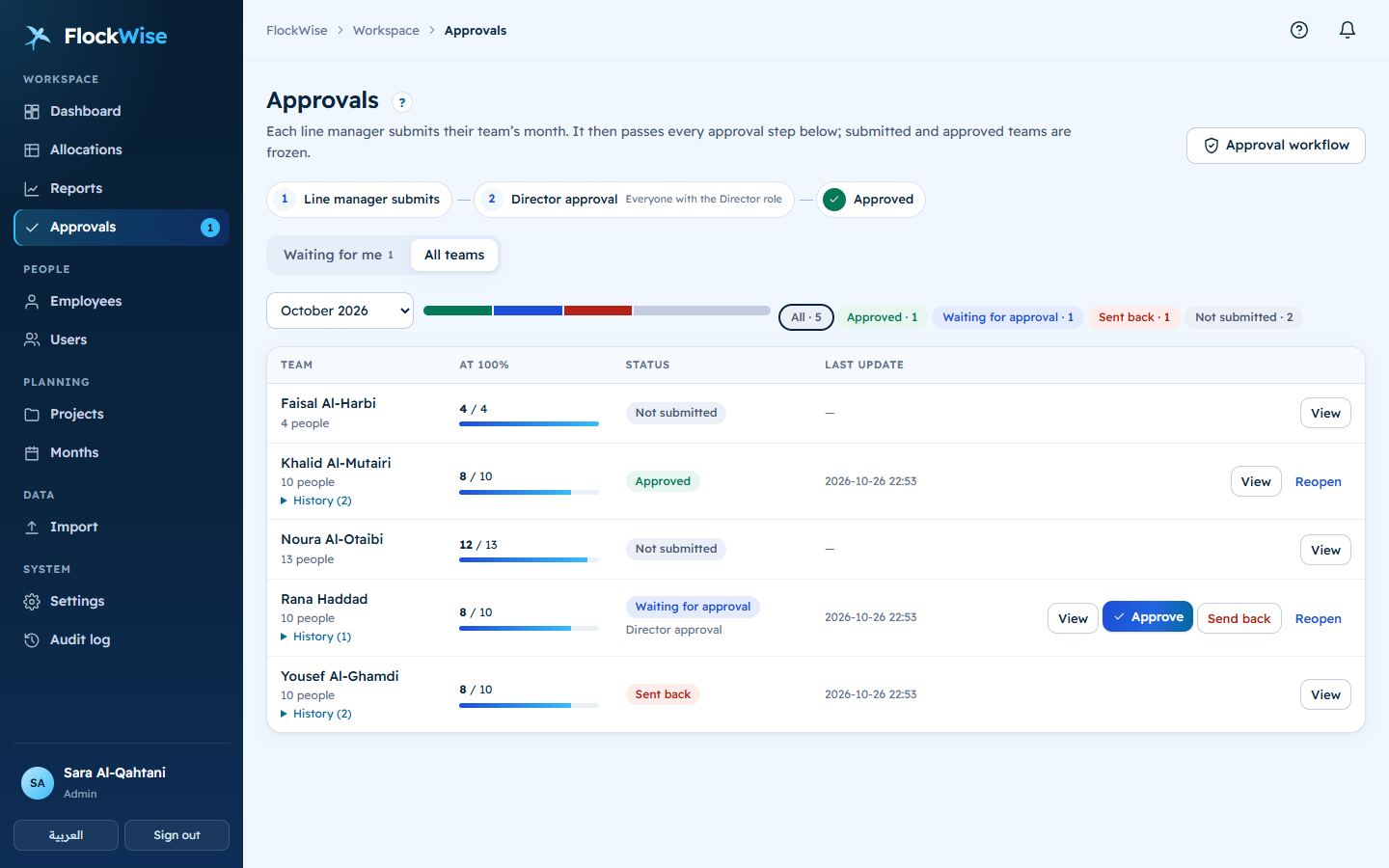
Each team is submitted, then passes the steps you set: a director, a named person or the manager’s manager. Submitted teams are frozen.
Utilisation, free capacity, FTE by project or category, approval status. Filter by total or free %, click anything to drill in, export to Excel.
Every screen, email and report in both languages, with a true right-to-left layout. Each person picks their own.
Your product name, logos and colours across the app, the sign-in page and every email. Preview it live before you save.
Built-in roles, your own roles, and single-person exceptions. Nobody can grant what they don’t have.
Import your current Excel sheet, remind managers to submit, and see every change in the audit log.
Upload the monthly Excel you use today. People, projects and line managers are created for you.
Each manager sees only their people and projects, and fills the month in a grid built for it.
Teams are submitted and approved, the month is locked, and the dashboards and reports are ready.
Real screens from the demo company, Sahab Digital.
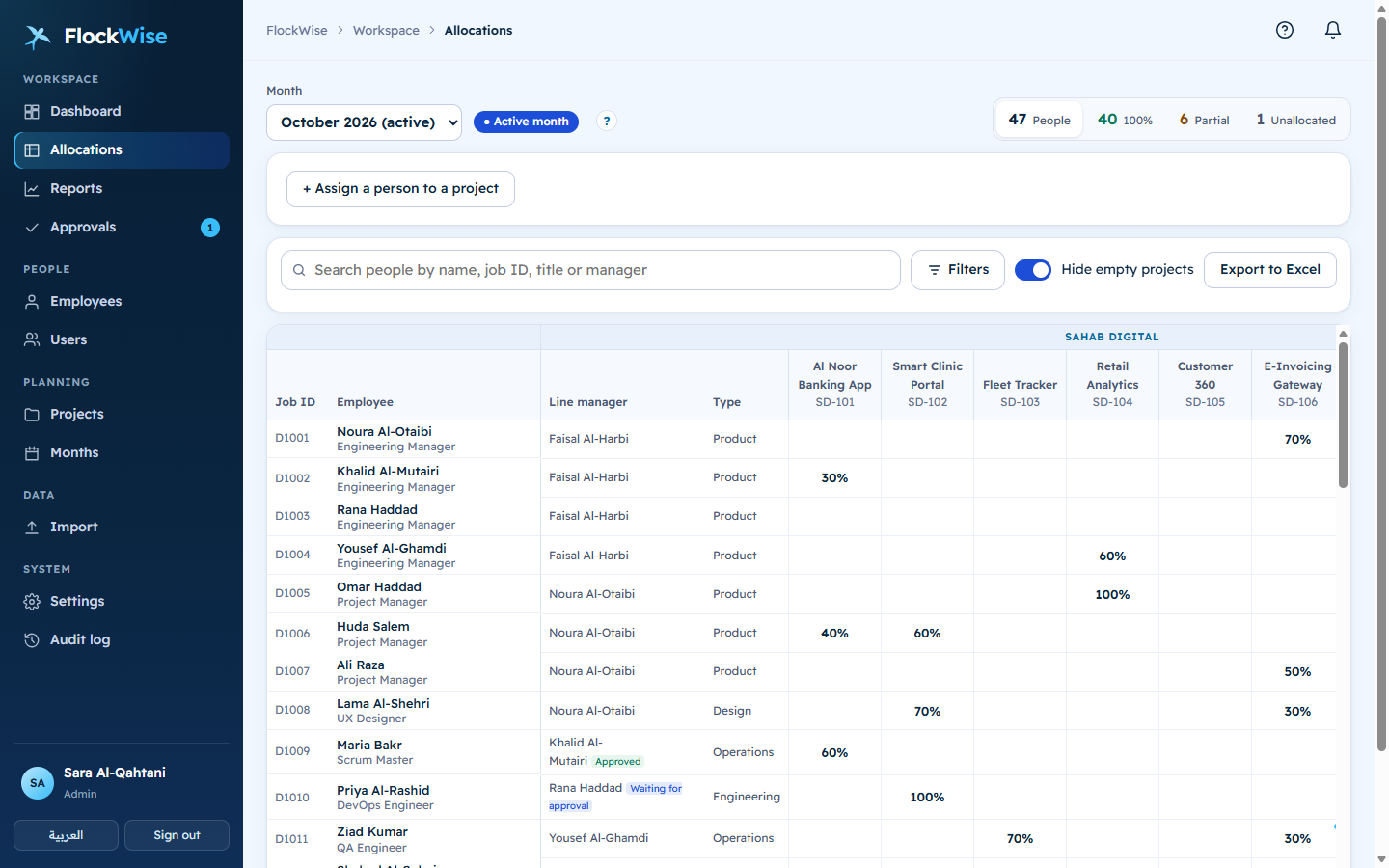
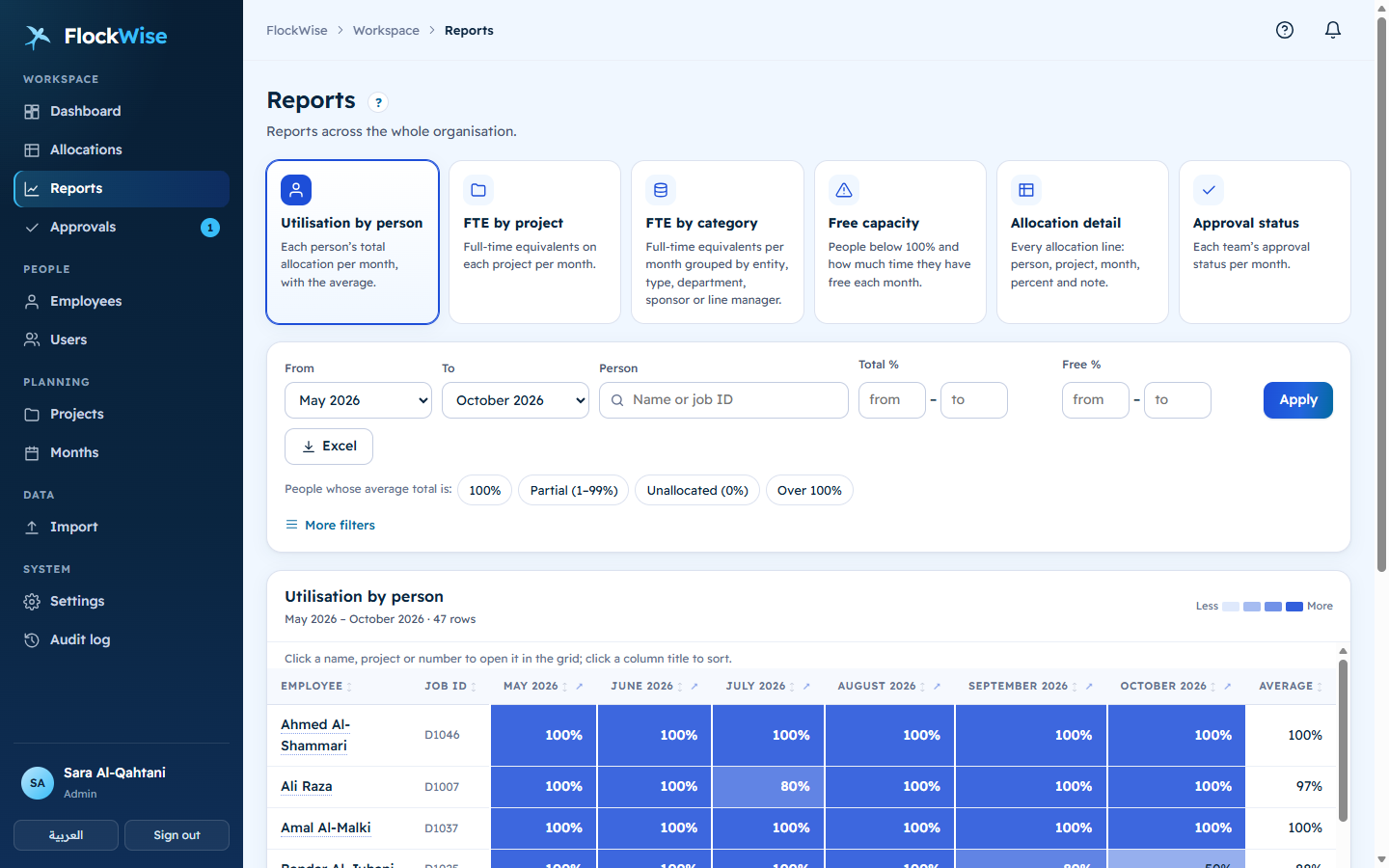
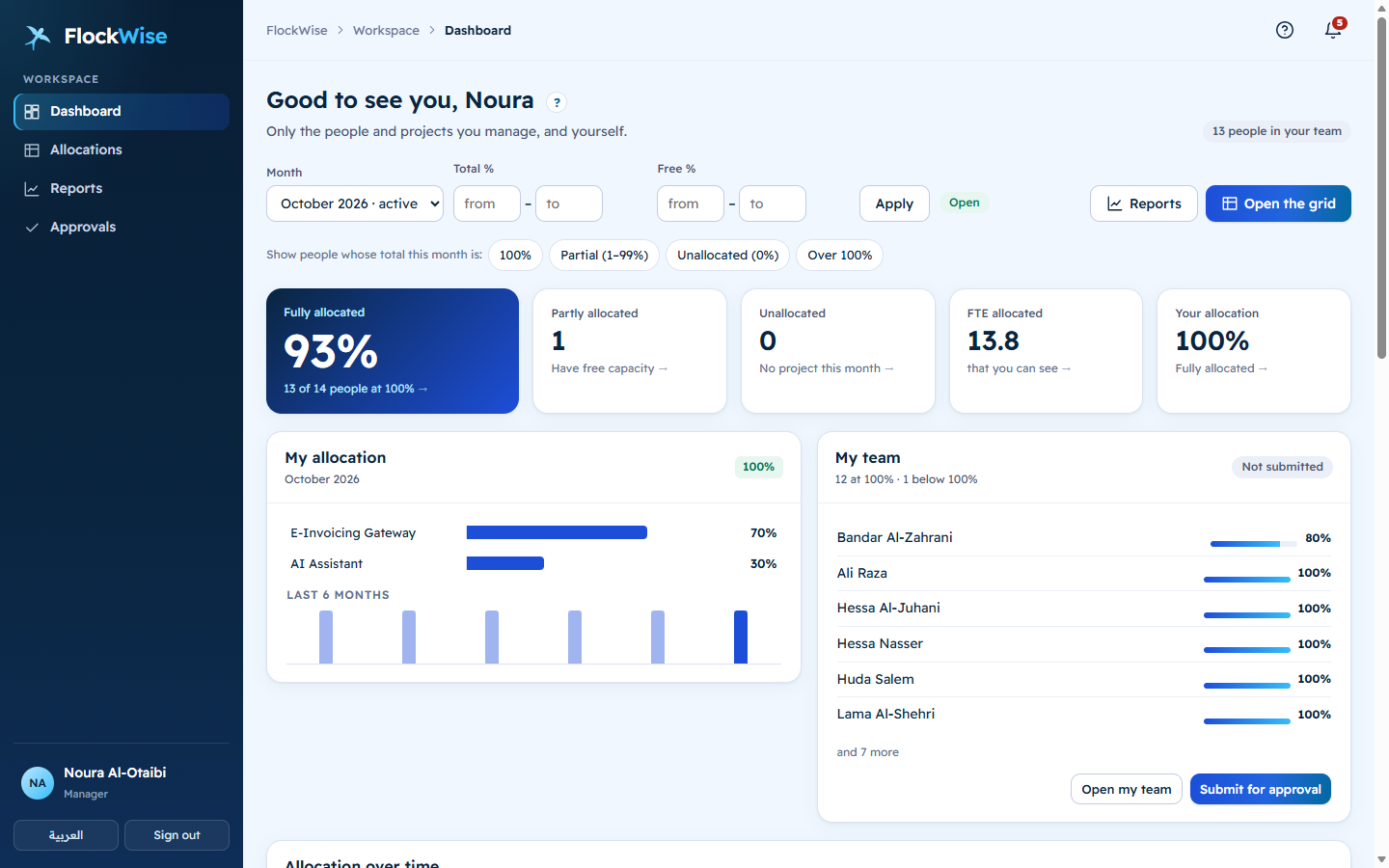
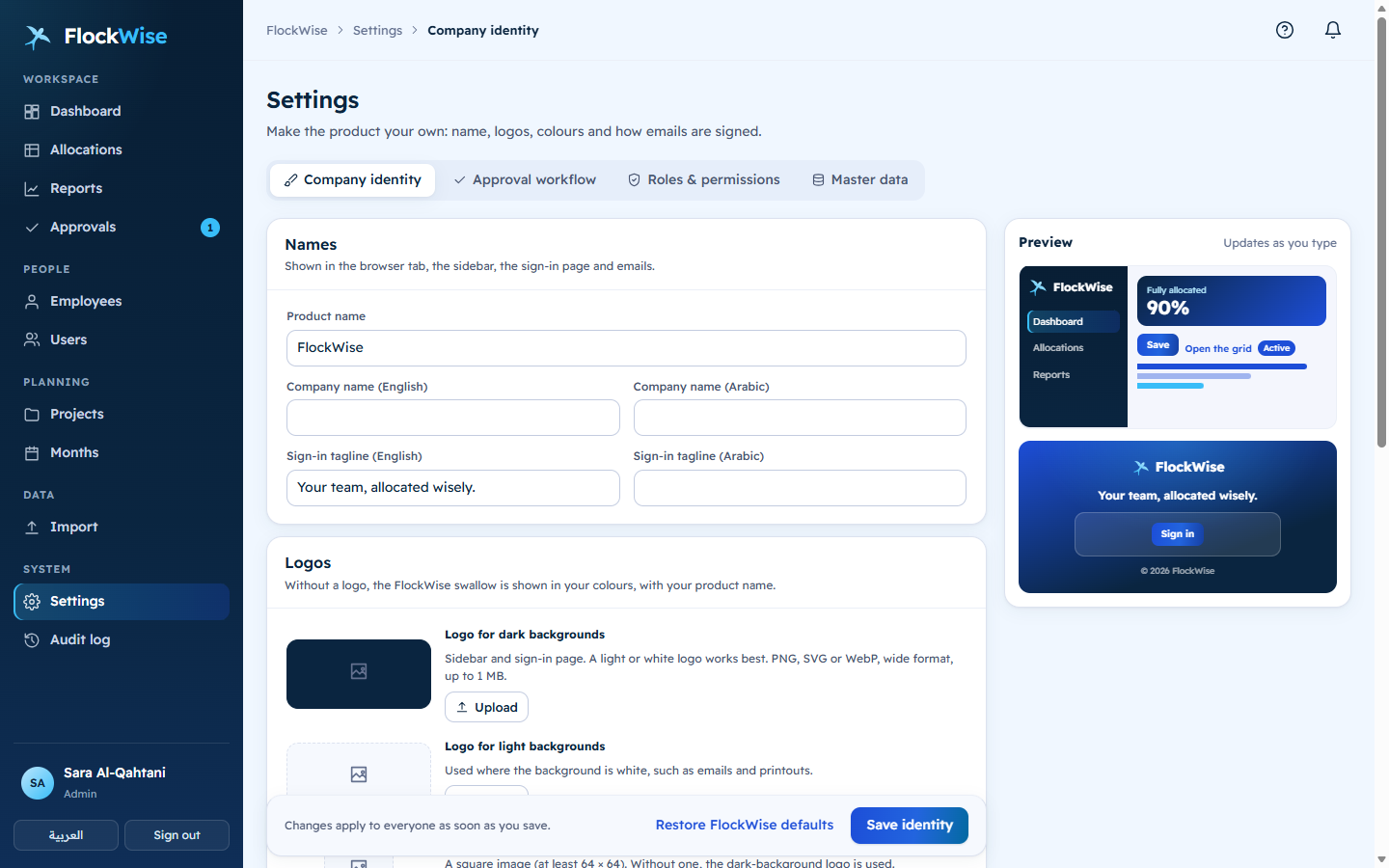
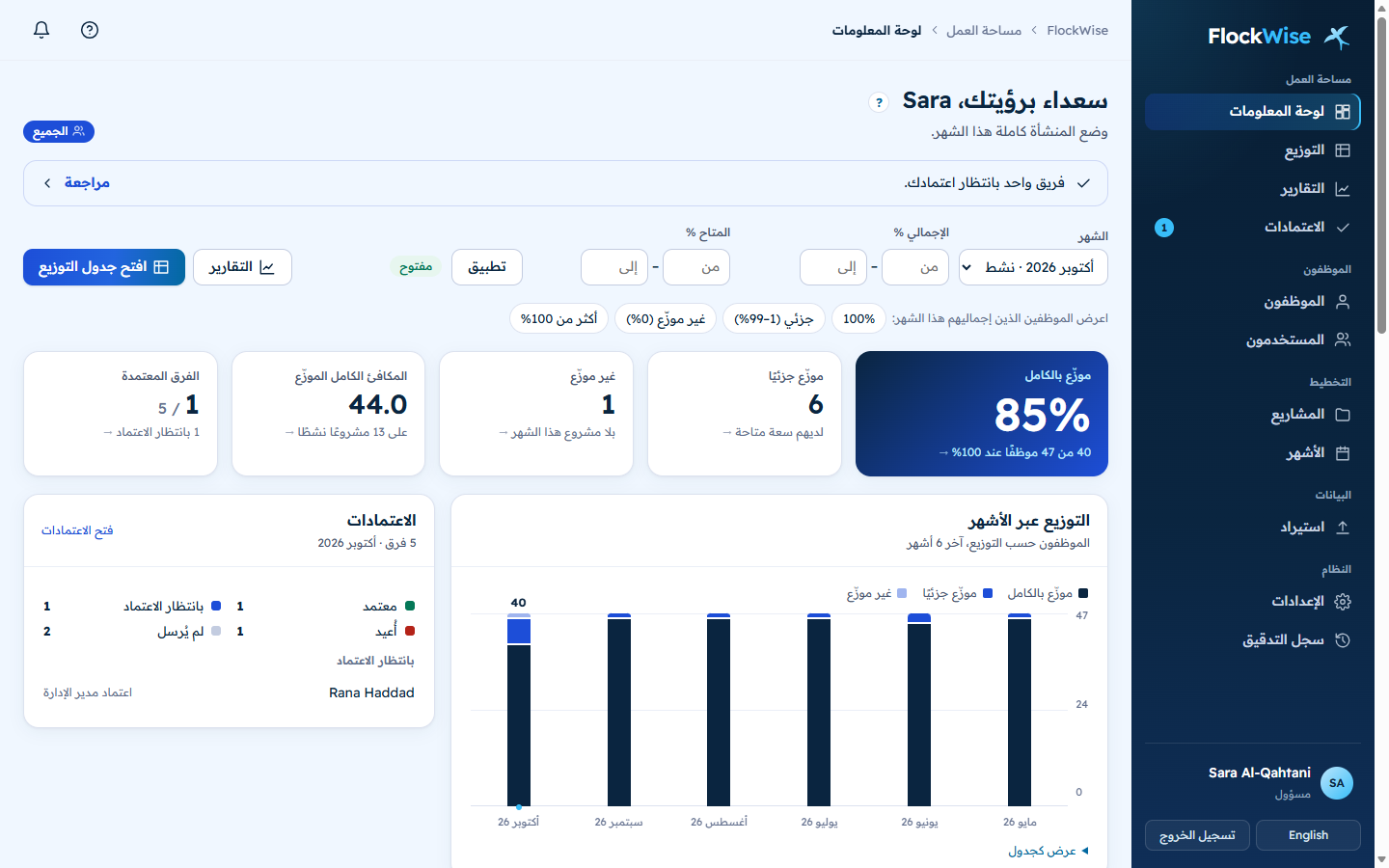
Open months, import, set roles and approval steps, see everything.
Allocate the whole team, submit the month, see who has free time.
Staff their project and see their people’s load, without seeing other projects.
Approve teams and follow utilisation across the organisation.
See their own allocation and history, from any phone.
Every plan includes every feature.
$0up to 5 users
$0.99per user / month
From 6 to 100 users. Once you pass 5 users, every user is billed.
Let’s talkmore than 100 users
$19.80 per month
$237.60 per year
Yes. Up to 5 users is free, with every feature and no time limit.
From the 6th user, every user is billed at $0.99 a month. For example, 20 users cost $19.80 a month. Above 100 users, we agree volume pricing with you.
Anyone with a login. Employees you allocate but who never sign in are not users.
Yes, on every plan: product name, logos, colours, the sign-in page and the emails.
Fully. Every screen, email and report is in Arabic and English, with a right-to-left layout. Each person chooses their language.
Yes. Import your monthly Excel sheet; people, projects and line managers are created from it.
Yes. Each project manager allocates their own project, and the 100% limit always counts the person’s whole month.
Open the live demo and sign in as an admin, a line manager, a project manager, a director or an employee. The sample data resets every night.
Questions, a walkthrough, or more than 100 users? Write to us and we will reply by email.
Or email WeCare@FlockWise.net
Try the live demo